If you’ve ever customized a WordPress site, you’ve probably experienced this problem:
You add a PHP snippet or tweak a function, only to lose everything after a theme update or worse, break the site because of a small mistake. Most users default to creating a child theme just to manage code safely. But maintaining a child theme is time-consuming, messy, and not beginner-friendly.
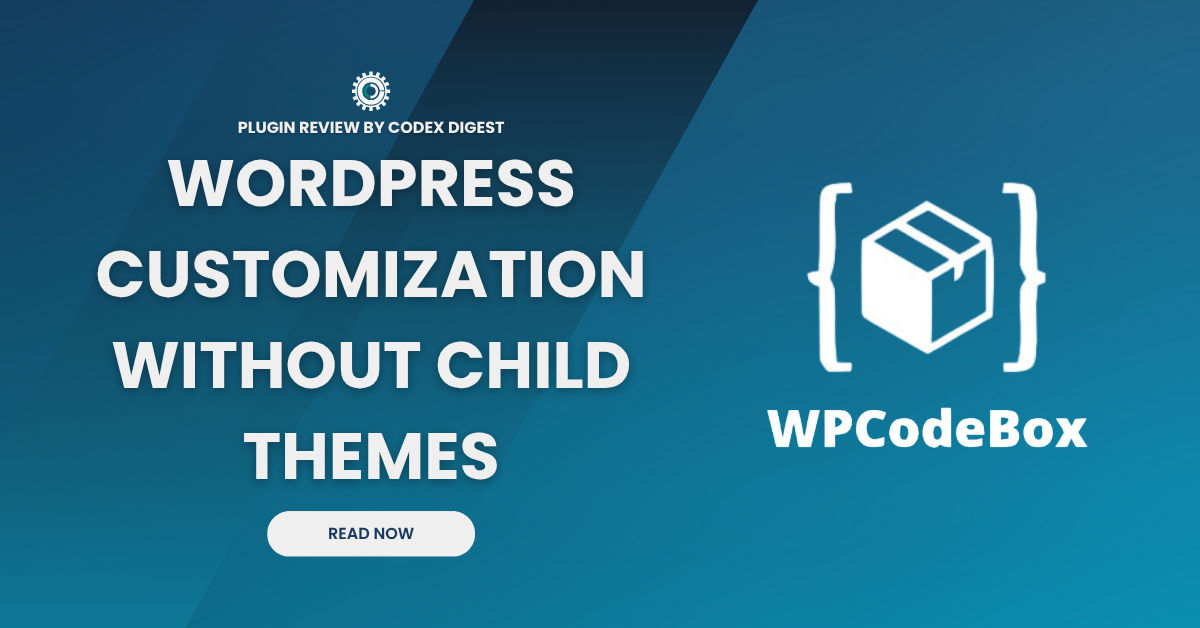
WPCodeBox changes the game. It’s a modern code snippet manager for WordPress that lets you insert custom code, CSS, PHP, JavaScript, and more, without touching your theme files or FTP.
Let’s break down what it is, how it works, and why it’s a must-have for anyone serious about WordPress customization.
WPCodeBox is a premium WordPress plugin that lets you add, organize, and run custom code snippets directly from the WordPress dashboard.
Think of it as your personal code library that lives in your WordPress admin and in the cloud.
You can safely add:
The best part? No need to create or maintain a child theme. WPCodeBox handles code execution, priority, and safety checks for you.
Here’s what makes WPCodeBox a standout in a crowded market of snippet plugins:
You don’t need to set up a child theme just to insert a few functions. WPCodeBox safely injects PHP without altering your theme files.
Create a library of reusable code snippets and sync them across multiple WordPress sites. This is a massive time-saver if you manage several client projects.
Only want a snippet to run on single posts? Logged-in users? WooCommerce product pages? WPCodeBox lets you define that with a clean UI, no need to write if conditions manually.
A broken snippet won’t take down your site. WPCodeBox runs code in safe mode and has recovery features in case something goes wrong.
No bloat, no ads, no upsells. WPCodeBox is focused on doing one job: custom code execution and doing it flawlessly.
Here’s how we (and many devs) use WPCodeBox in production:
It’s especially powerful when used with dynamic logic like running code only for mobile users, or only on specific post types.
WPCodeBox is ideal for a wide range of users. Freelancers managing multiple client websites will find it incredibly efficient for organizing reusable code. Agencies benefit from its scalable approach to code management across projects. Power users who frequently customize WooCommerce, forms, or layouts will appreciate the control and flexibility it offers.
Theme developers can separate code logic cleanly without modifying theme files. Even beginner WordPress users, who may be intimidated by the thought of editing core files, will find WPCodeBox a safe and approachable solution. It’s especially helpful if you’ve ever broken a site by tweaking the functions.php file or if you’d simply rather avoid that risk altogether.
While WPCodeBox is a powerful tool, there’s still room for improvement. It would be great to see a free tier or limited trial to help new users get familiar with the plugin before committing. The addition of more built-in code templates would also enhance usability, although the cloud library continues to grow.
Finally, a built-in version control or rollback feature for individual code snippets could further reduce risk and boost confidence when testing changes. That said, these are minor limitations, and the plugin’s development roadmap continues to evolve based on user feedback.
WPCodeBox is a premium plugin, and while there’s no free version, it offers a generous lifetime deal (one-time payment) that covers the use on unlimited domains, unlimited snippets, lifetime support, lifetime updates, and no renewal fees.
You can also get 15% off using our exclusive discount code at checkout.
If you’re a developer, agency, or serious builder, it will likely pay for itself within the first project.
If you write custom code for WordPress and you value safety, reusability, and speed, WPCodeBox is one of the best investments you can make.
We’ll be publishing a step-by-step video tutorial soon, showing how to install WPCodeBox, add your first PHP and CSS snippets, set up conditional logic, and sync across sites.
Make sure you’re subscribed to the CodexDigest YouTube channel and newsletter below so you don’t miss it.
Join thousands of WordPress users who rely on CodexDigest for practical guides and exclusive plugin discounts.
We’ll send you the latest reviews, tutorials, and hidden gem tools straight to your inbox.
No results available